It happens once in a blue moon: you hit refresh, your tabs are full of half-solved errors, your coffee is doing nothing… and Stack Overflow is down. Suddenly every developer becomes a philosopher, a detective, and a part-time therapist. Welcome to the developer humor survival guide — meme edition.
Meme Compilation: “Stages of Grief (But It’s Just an Outage)”
1) When Stack Overflow Is Down: Denial
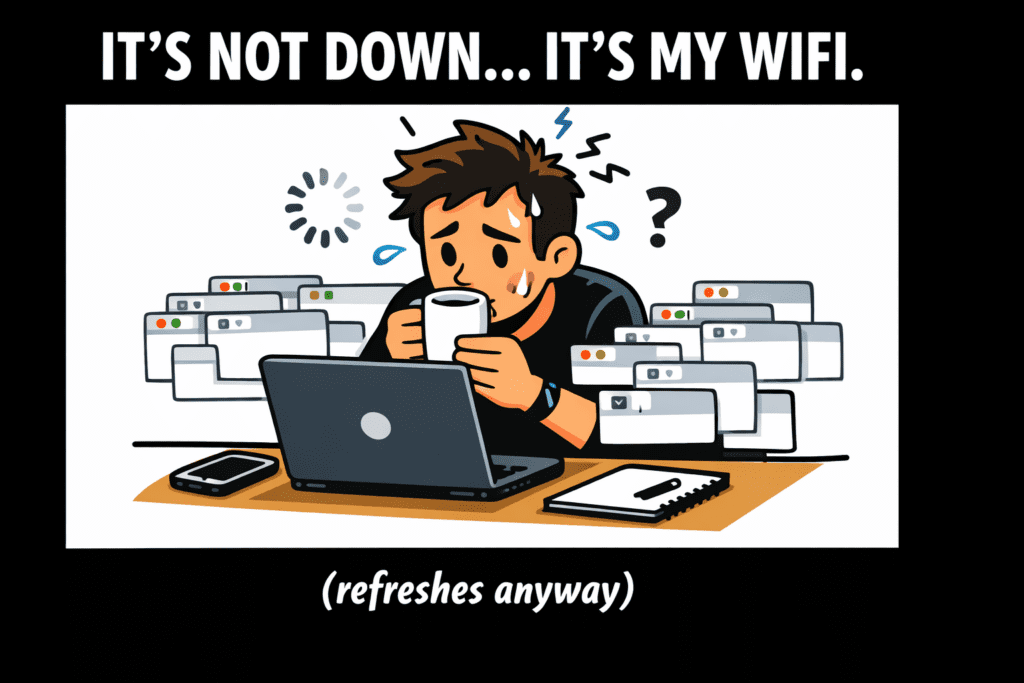
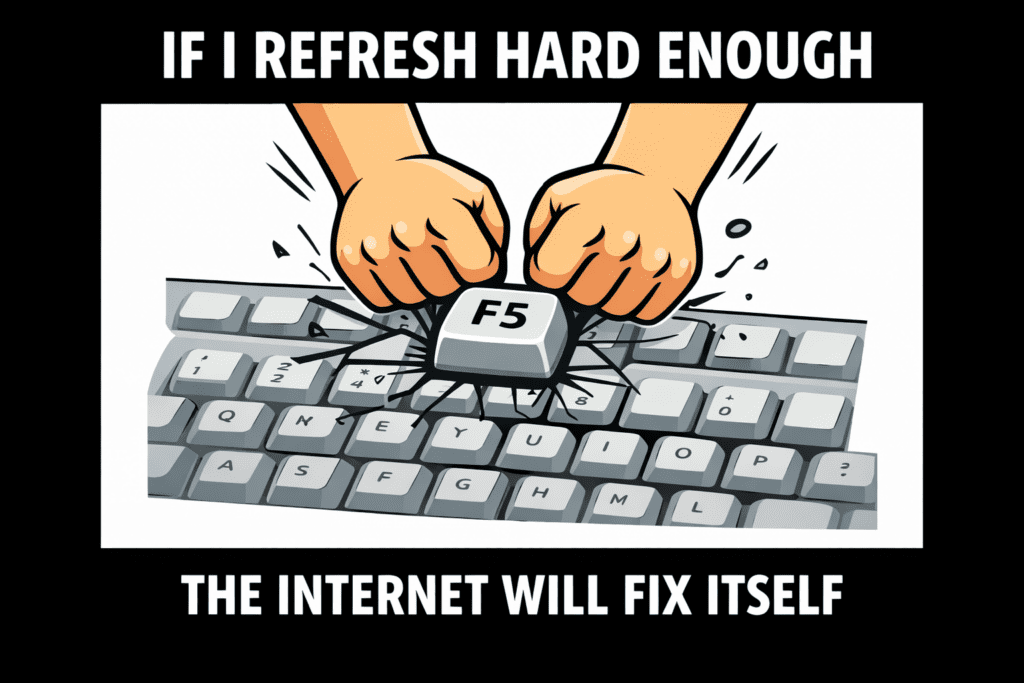
2) Anger: Refreshing like you’re doing a DDoS with your F5 key.
3) When Stack Overflow Is Down: Bargaining
4) Depression: Opening the official docs… on purpose… for the first time.
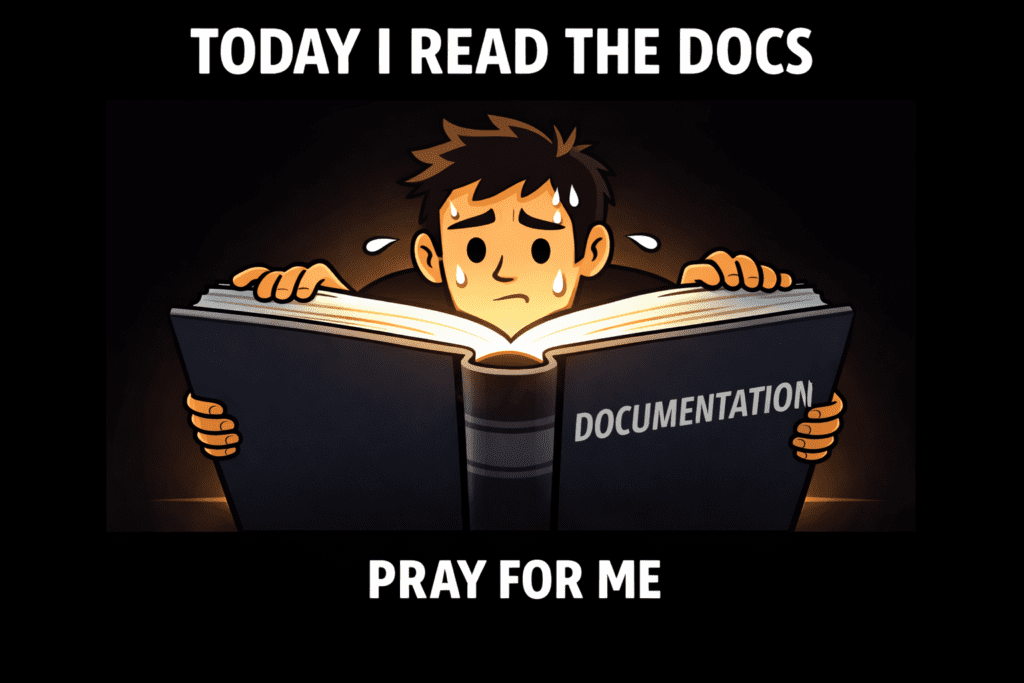
5) When Stack Overflow Is Down: Acceptance
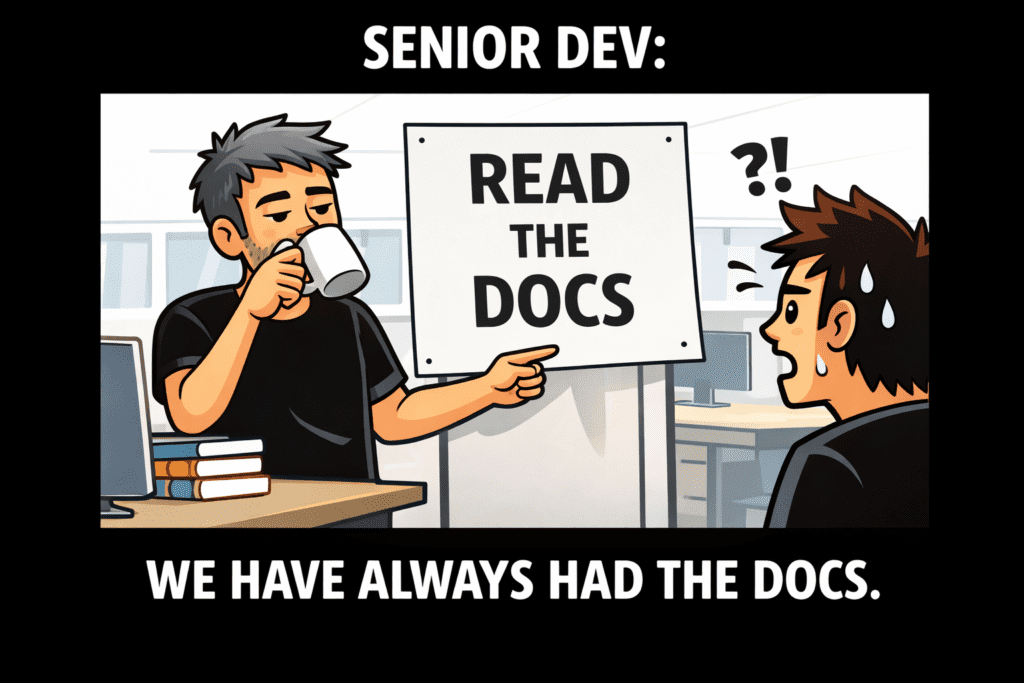
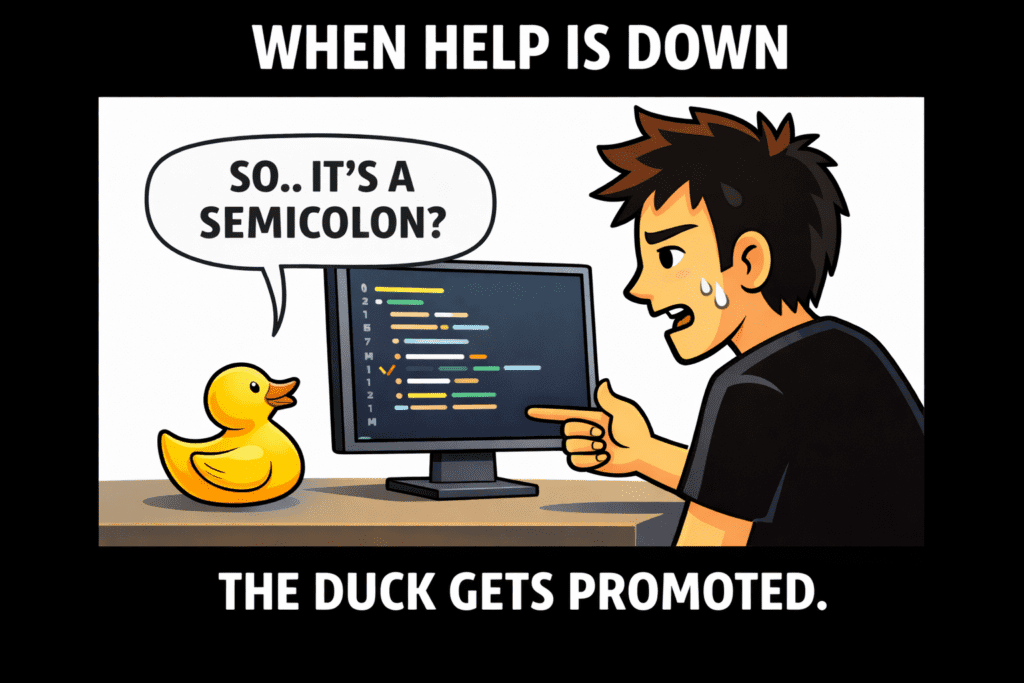
6) Enlightenment: Rubber Duck debugging: “So… you’re saying it’s a semicolon?”
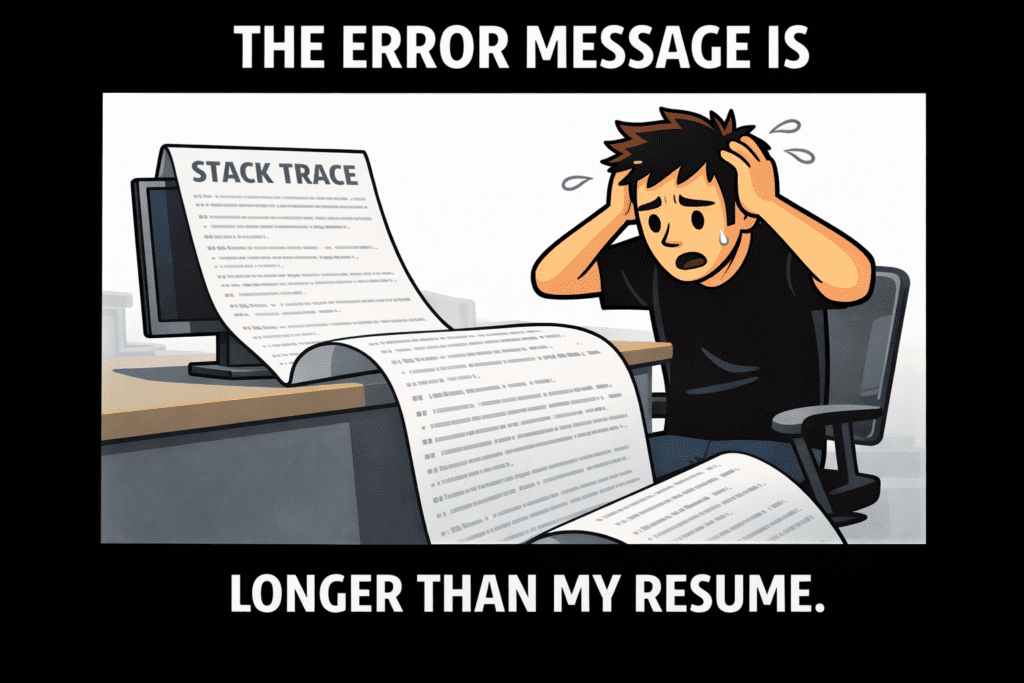
7) The Stack Trace Scroll: When the error log is longer than your résumé.
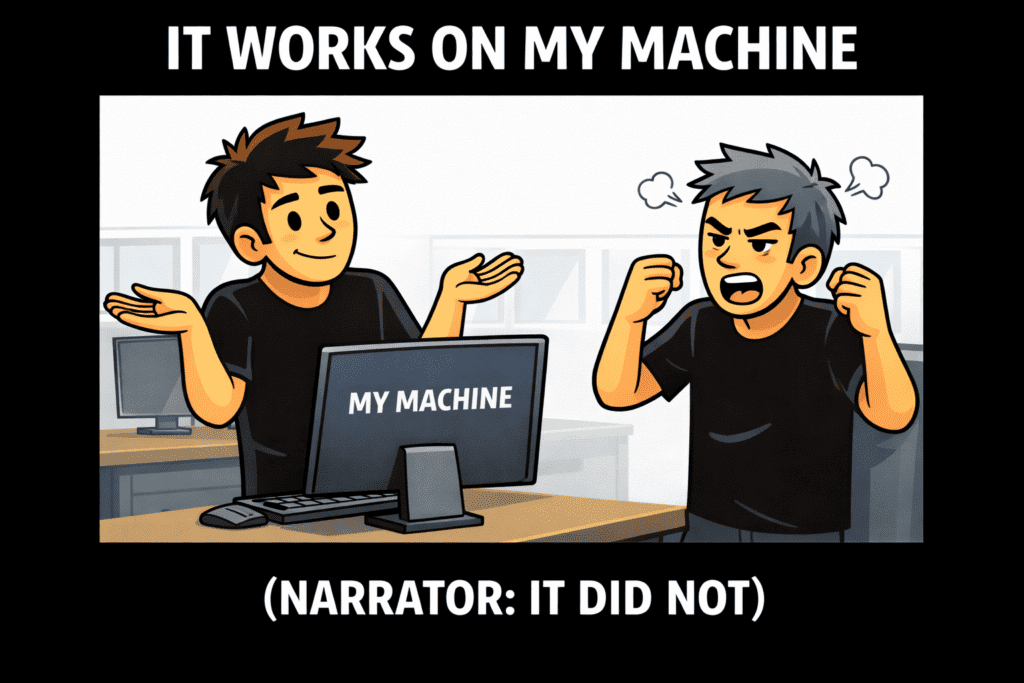
8) Classic: “It works on my machine.” (Narrator: it did not.)
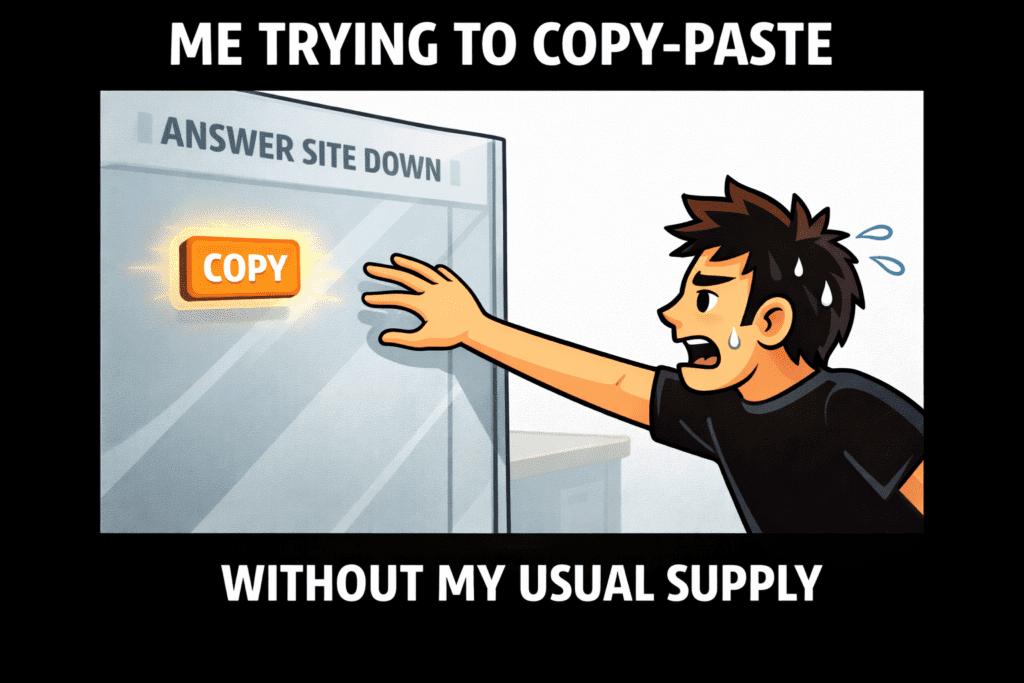
9) Withdrawal: Copy-paste dependency symptoms intensify.
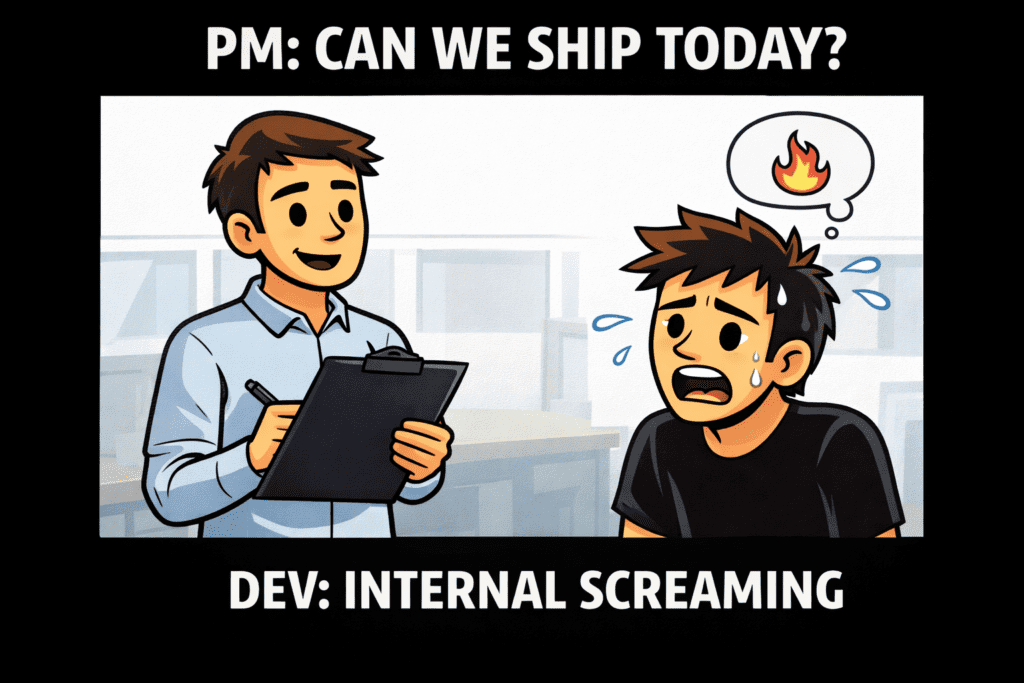
10) PM Check-in: “Can we ship today?” Developer: *silent screaming*.
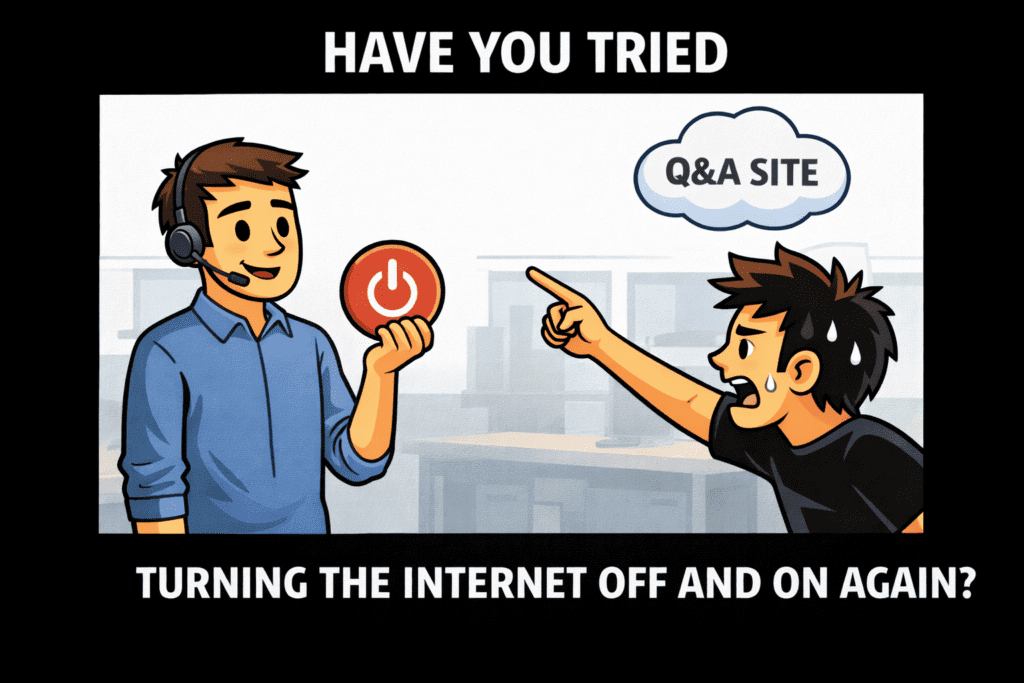
11) IT Support Energy: “Have you tried turning Stack Overflow off and on again?”
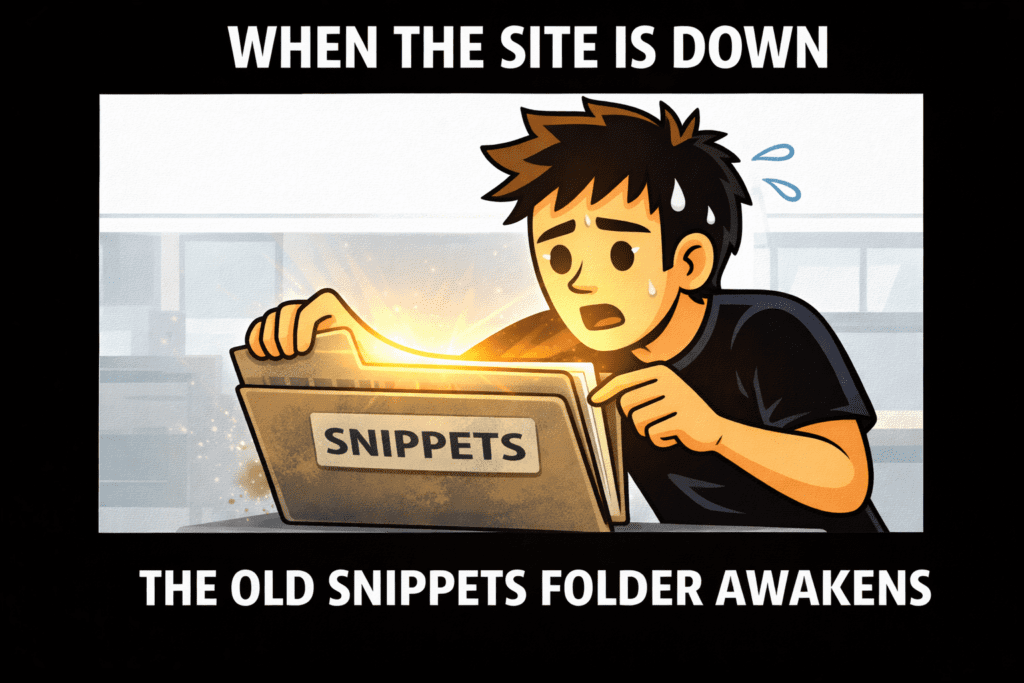
12) The Backup Plan: Your dusty “snippets” folder finally gets a purpose.
Okay But Seriously: What Do You Do When It’s Down?
Memes aside, outages happen. Here’s the practical survival path when your go-to Q&A is temporarily unavailable.
Quick Survival Checklist (No Panic Required)
- Check if it’s actually down (status pages / outage trackers).
- Use official docs first (yes, really).
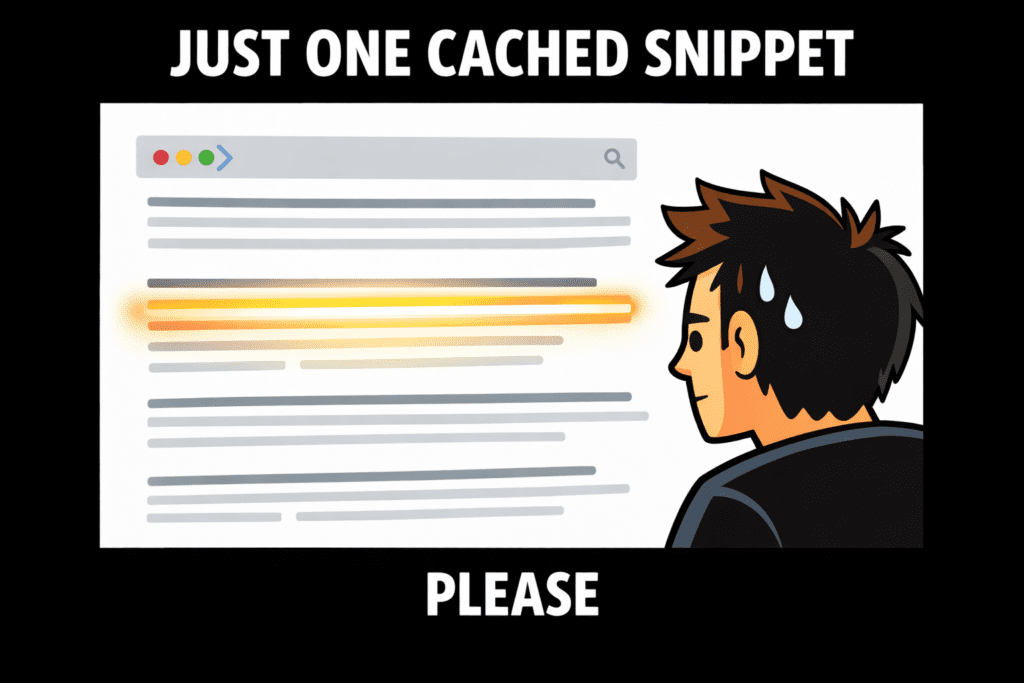
- Search the cached web (browser cache, search engine snippets, archived pages).
- Look in your own history: bookmarks, notes, past projects, snippets.
- Ask your team: “Has anyone solved this before?” (You’ll be surprised.)
- Reproduce the bug in a minimal example and read the error carefully.